

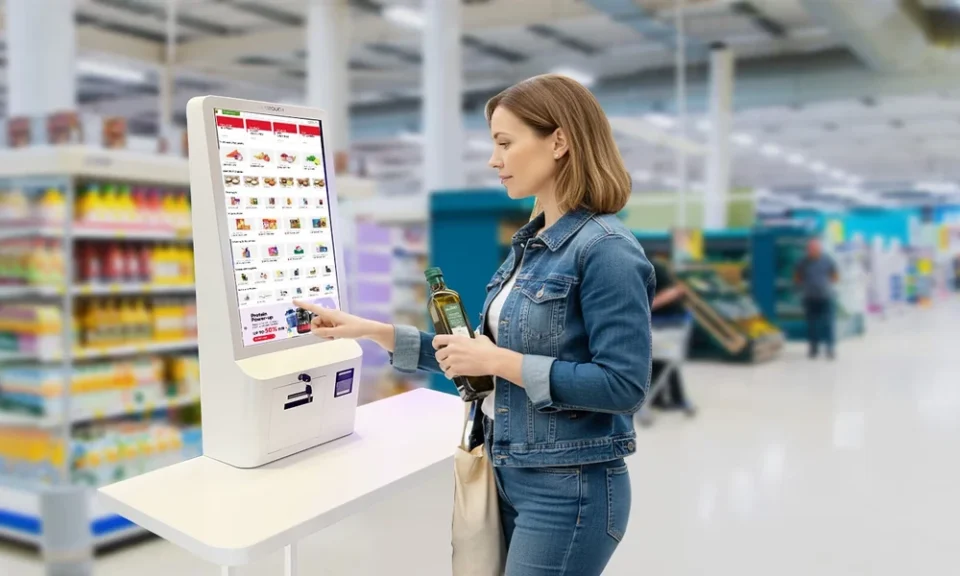
Wired connections are the most stable but least flexible. Wi-Fi is easy but can struggle in busy stores. Cellular offers independence and portability, and works well as either a main or backup link. Many retailers combine two of them.
Choosing a kiosk connection isn’t just a technical decision. It affects uptime, installation cost, and how easily kiosks can be moved. Retailers reviewing options like https://idmwireless.com/commercial-retail/kiosks/ usually want to know which choice fits their stores best.
| Factor | Wired (Ethernet) | Wi-Fi | Cellular (4G LTE/5G) |
| Stability | Very high | Varies with traffic | High with good signal |
| Installation | Cabling needed | Easy | Easy |
| Flexibility | Fixed location | Moderate | Very flexible |
| Separation from store network | Possible with setup | Often shared | Fully separate |
| Ongoing cost | Low | Low | Monthly data plan |
| Best for | Permanent kiosks | Low-traffic stores | Pop-ups, backups, multi-site |
When Wired Makes Sense
Wired connections suit kiosks that never move, such as self-checkout lanes. They handle heavy traffic well.
The downside is cost and disruption. Running new cables through ceilings or floors takes time, and moving the kiosk later means rewiring.
When Wi-Fi Works
Wi-Fi is simple if the store already has a strong network. It suits small stores with few connected devices.
Problems appear in busy stores. Phones, scanners, and laptops all compete for bandwidth. Metal shelving, fridges, and thick walls can also weaken signals near kiosks.
When Cellular Is the Better Choice
Cellular routers give each kiosk its own internet connection, independent of store systems. This suits stores where IT teams don’t want kiosks on the main network.
Cellular options like those at https://idmwireless.com/commercial-retail/kiosks/ also work for temporary displays and locations without cabling. The limitation is signal quality. Basements or thick concrete buildings may need external antennas.
Combining Connections
Many retailers use wired or Wi-Fi as the main link, with cellular as backup. If one fails, the kiosk switches automatically.
Testing Before You Commit
Before choosing, test each option at the exact kiosk spot. Check speed and signal at quiet and busy times. A connection that works at 8 am may struggle at lunchtime. A short trial in one store prevents costly changes across many.
Decision Checklist
- Will the kiosk move?
- How busy is the store’s Wi-Fi?
- Does IT require kiosks to stay off the main network?
- Is cellular signal strong inside?
- What is the budget for monthly plans?
Common Mistakes
- Assuming store Wi-Fi can handle extra devices
- Skipping signal tests before installing cellular
- Choosing wired for kiosks that will be moved seasonally
FAQ
Is 5G necessary for kiosks?
Not usually. Most kiosks use little data, so 4G LTE is often enough.
Can one router serve several kiosks?
Yes, if they’re close together.
Does cellular cost more?
It adds a data plan, but often saves on cabling.
Which option is most secure?
A dedicated wired or cellular link, kept separate from guest Wi-Fi.
Can I switch later?
Yes, though wired changes take more work.
There’s no single best connection for every store. Match the option to each kiosk’s location and role, test it in real conditions, and review performance regularly.
